
By Lindsey Lanquist, Contributor

College students use Gemini for tasks ranging from studying and tracking workouts to planning meals from groceries and building portfolios through vibe coding. They can even ask Gemini to assess a portfolio from a hiring manager's perspective.
Google asked 15 Google Student Ambassadors which features help them learn, improve their work and stay organized. Their recommendations cover 11 uses.
1. Study notebooks
Study notebooks transform course materials into short, personalized lessons. Beverlyn T. of the University of Southern California finds them useful for breaking down a semester's material before finals.
Students also use the notebooks to organize coursework and identify themes across notes. Nina R. of the University of California, Santa Barbara, uses them to refresh her memory of lengthy papers before class and compare opposing viewpoints to understand difficult concepts.
2. Gemini Live
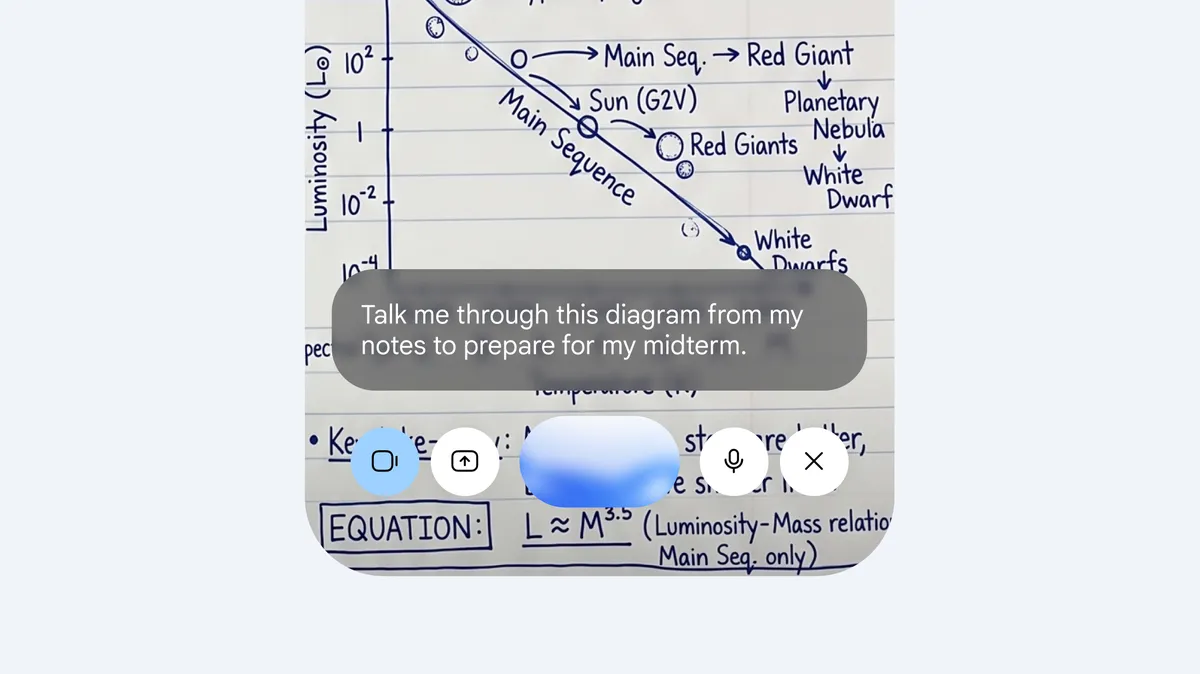
Gemini Live supports voice conversations with Gemini. Skylar E. of San Diego State University uses it to rehearse interviews and presentations and hear how her ideas sound aloud. Other students talk through challenging topics while moving between places or practice a language before studying abroad.
Students can also turn on their camera to show Gemini Live what they are looking at. Debbie C., a designer at The University of Texas, Austin, uses this capability to get step-by-step help when learning unfamiliar software or tools.
3. Guided Learning
Guided Learning aims to build understanding rather than simply provide answers. Fehmaan K. of George Mason University shares his work with Gemini and asks it to guide him toward his mistakes. Its questions about each step often help him spot an error himself.
Fehmaan recommends attempting an answer even when unsure instead of immediately asking for the solution: being corrected can make the lesson more memorable than reading an explanation.
4. Study guides
Gemini can create study guides from materials such as lecture slides and handwritten notes. Jamie C. of the University of Southern California uses them to review and summarize material when a professor has not provided an exam overview.
Jamie recommends keeping a separate Google Drive folder for each class and sharing it with Gemini, so a guide can incorporate both the professor's material and the student's own interpretations.
5. Quizzes
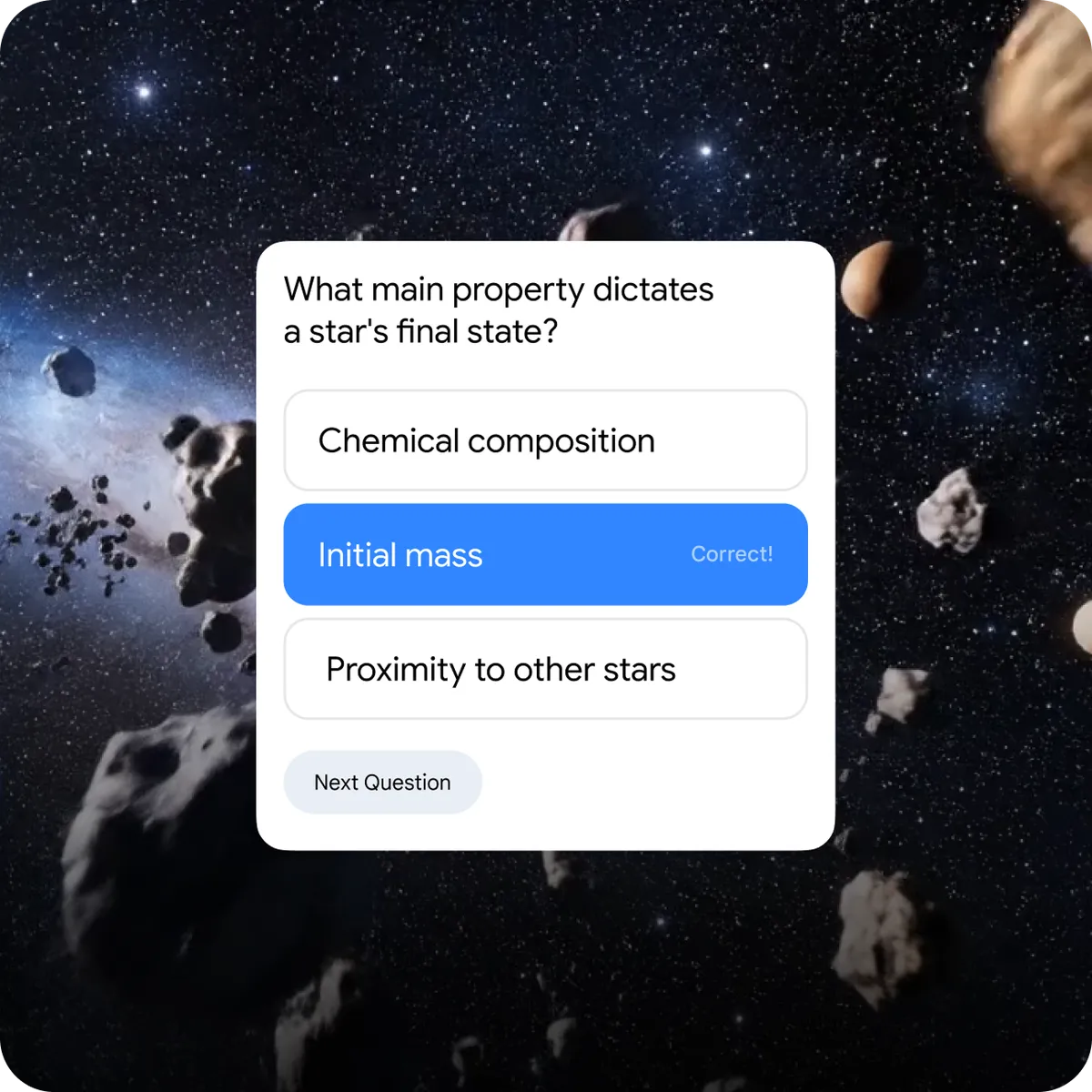
Gemini can generate customized practice quizzes for test preparation. Shuang P. of New York University says extra practice questions build confidence, particularly in courses where exams account for an entire grade.
Students also use Gemini quizzes to check their work and explore the reasoning behind questions when an instructor's practice test lacks an answer key. Tobi U. of the University of California, Riverside, finds this helpful for identifying questions that might be missed or misunderstood.
6. Unlimited uploads
Gemini student plans offer unlimited uploads of class materials, study notebooks, interactive visualizations and images. Chaeyeon H. of Boston University says uploads add useful context to notes. Nicole F. of the University of California, San Diego, photographs and uploads references such as assignments, lecture slides, historical artifacts and artwork, whether they are physical objects or on a screen.
Other students upload a draft alongside its assignment rubric before submission to check whether they have addressed the requirements.
7. Audio Overviews
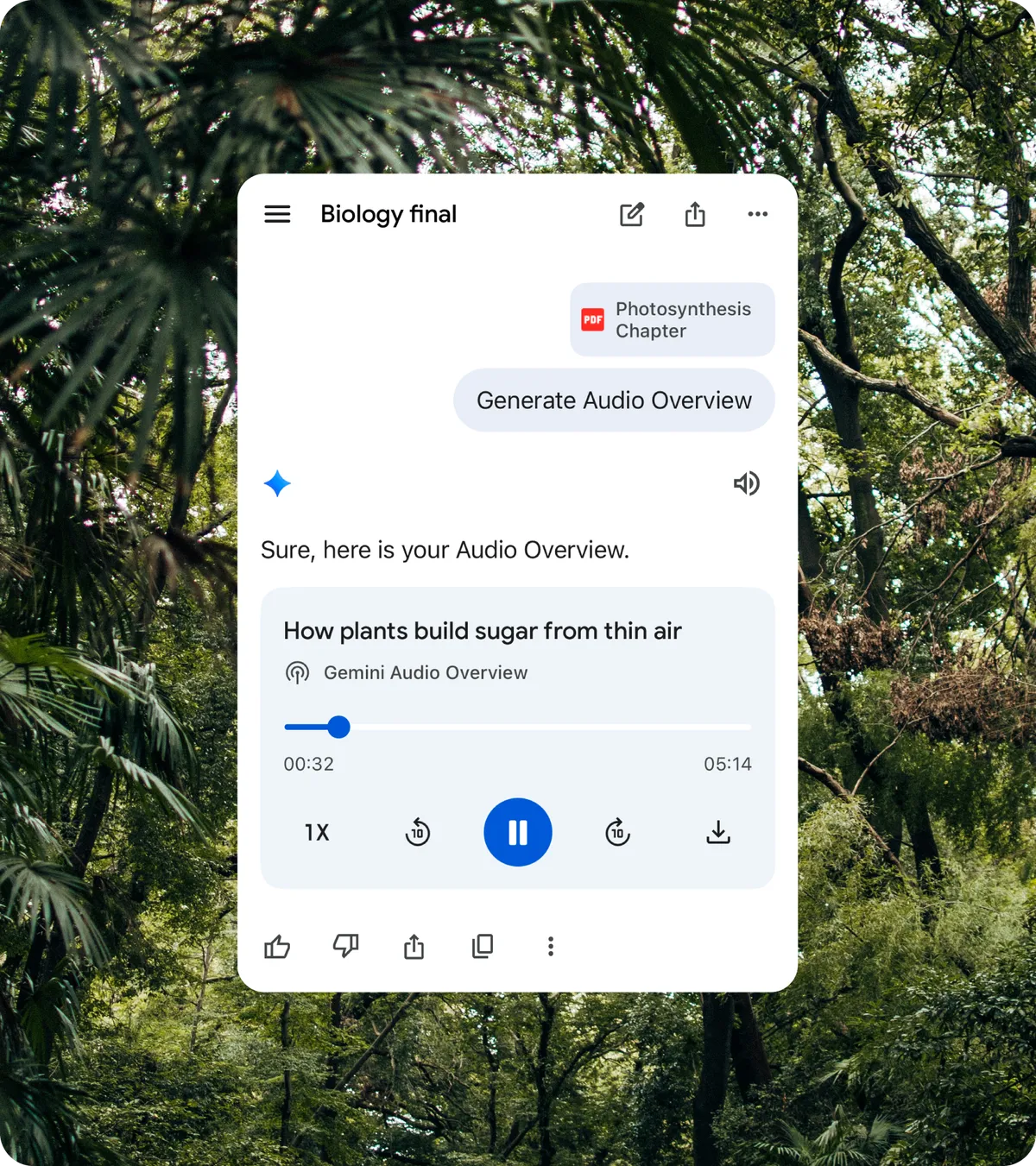
Audio Overviews turn documents, slides and other materials into podcast-style discussions. Nina uses them for last-minute review while walking across campus, listening conversationally and taking active notes.
Students also use the format to explore course topics in greater depth. Parikshit M. of Rutgers University uploads articles with opposing perspectives and listens as the hosts discuss both sides.
8. Image generation

Nano Banana, Gemini's image generator, can help students visualize and design ideas. Nelson G. of Morehouse College finds image generation useful for creative work, including formatting images and refining details.
Beverlyn also uses Gemini beyond coursework to make club flyers and social media graphics that reflect her style, making the design process less overwhelming.
9. Gemini in Chrome
Gemini in Chrome provides assistance within the browser. Megan J. of the University of Illinois Urbana-Champaign uses it to review incorrect exam answers without copying and pasting them into a separate Gemini chat.
Fehmaan finds it useful for understanding complex documents without opening another tab or losing his place. He recommends focused questions about individual sentences as a particularly efficient use.
10. Deep Research
Deep Research can browse up to hundreds of websites, analyze the information and produce multi-page reports in minutes. Students can also discuss its findings on the go with Gemini Live.
Annitha K. of San Diego State University uses it to compile market analyses and literature reviews. She first asks Gemini to help brainstorm a tightly structured research prompt, then submits that prompt to Deep Research.
11. Connected apps
Connecting Gemini to apps such as Google Drive, Google Calendar, Gmail and Google Sheets can support organization. Skylar has Gemini find assignments and deadlines in class syllabi stored in Drive and add them to Calendar. Aaryaman B. of Michigan State University has Gemini record tasks in a master tracking Sheet before the end of the day.
Connected apps can also help manage email. Megan, who works as a teaching assistant, uses Gemini to find student messages needing a reply or follow-up so they are less likely to be overlooked.